VS Code extension
Valuepad
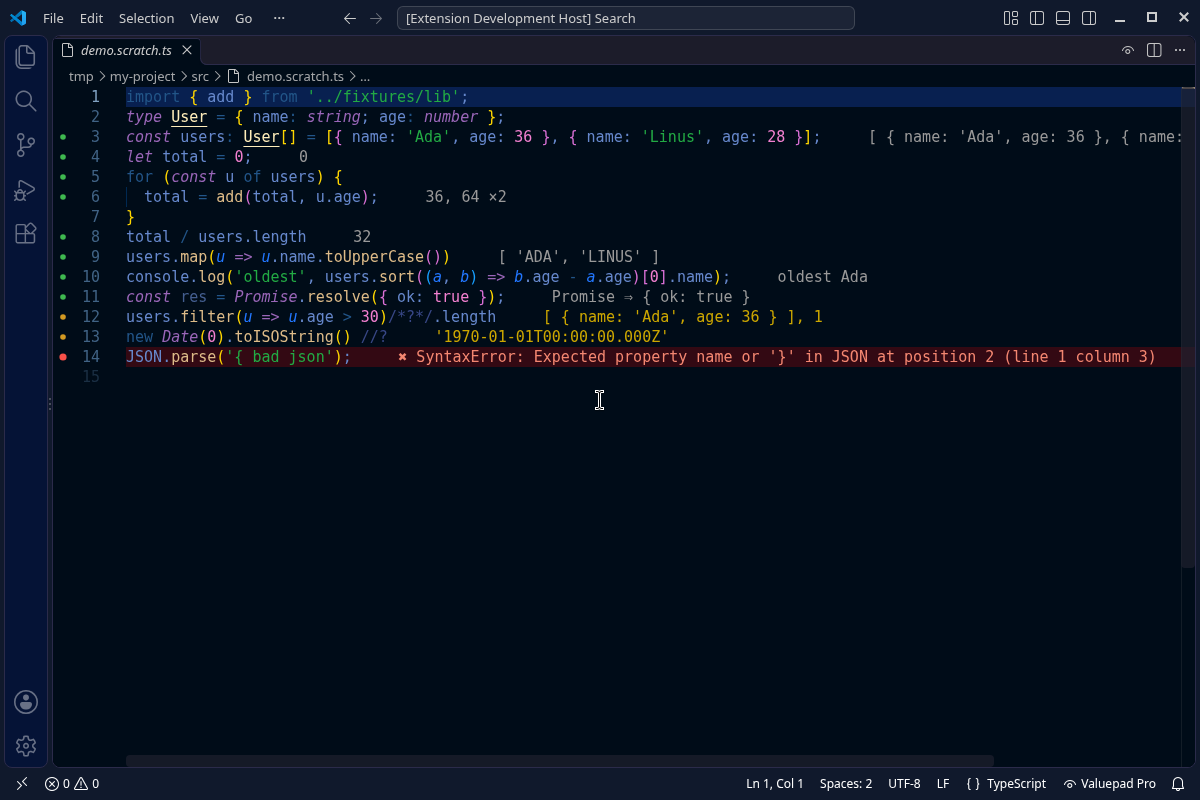
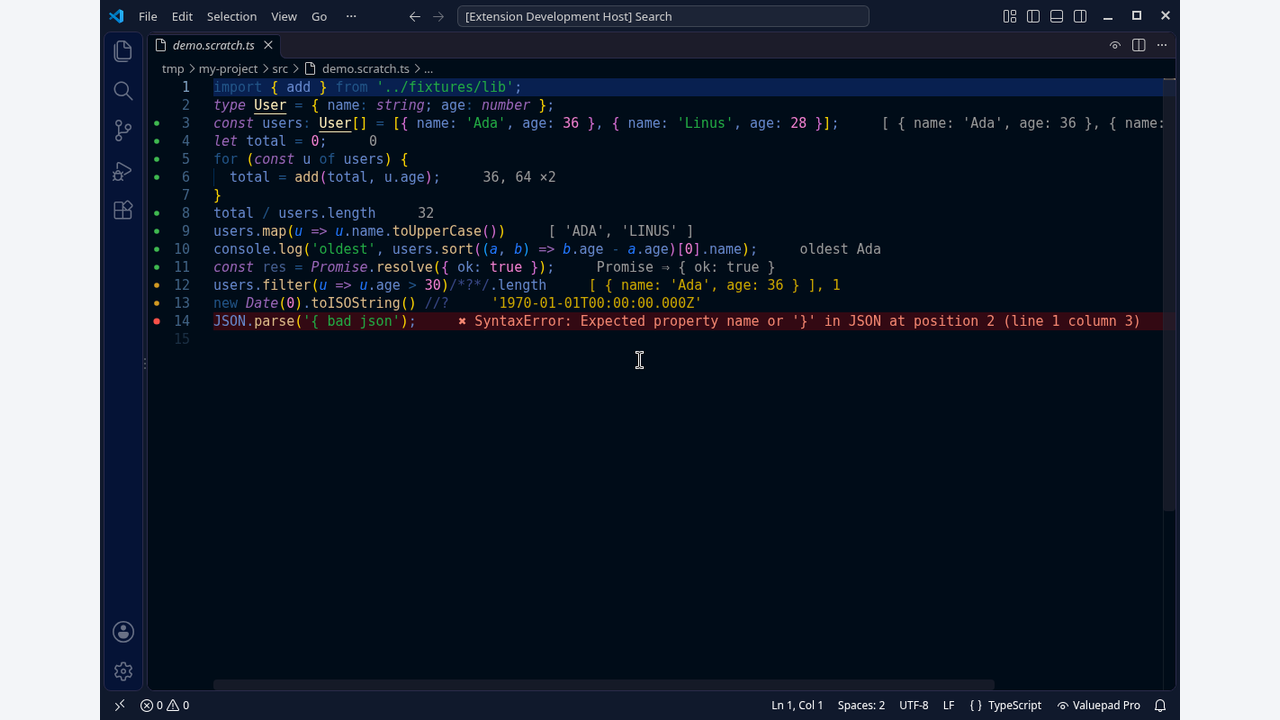
A scratchpad for JavaScript and TypeScript in VS Code. Values, console output and errors appear next to each line while you type, so you can try an idea without leaving the editor.
Free
- Inline values for every line, or only lines marked with
//?or/*?*/. - Console output, resolved promises, loop counts and errors shown on their own line, with coloured dots in the gutter.
- Runs while you type, on save, or only when you ask (Valuepad: Run now).
- Imports from local files and from your project's
node_modules. TypeScript works without setup: types are removed, not checked. - Endless loops are stopped after 5 seconds and reported on the line where they ran.
- Files named
*.scratch.tsor*.scratch.jsstart automatically.
Pro (Web Dev Pro)
- Logpoints from VS Code breakpoints, shown on their line each time it runs, without a debugger.
- Per-line timing with
//?. - One-click npm install for scratch files, into Valuepad's own folder so your project is not touched.
- A values panel with every line that ran, its values, output, errors and timings.
Pro is part of Web Dev Pro. Run Valuepad: Enter licence key in VS Code and paste your key.
Good to know
- Your file runs in a separate Node.js process on your own computer, with the same access as any script you run yourself. Valuepad does not run in untrusted workspaces.
- Browser APIs such as
documentare not available.