VS Code extension
Mermaid Studio: offline diagrams
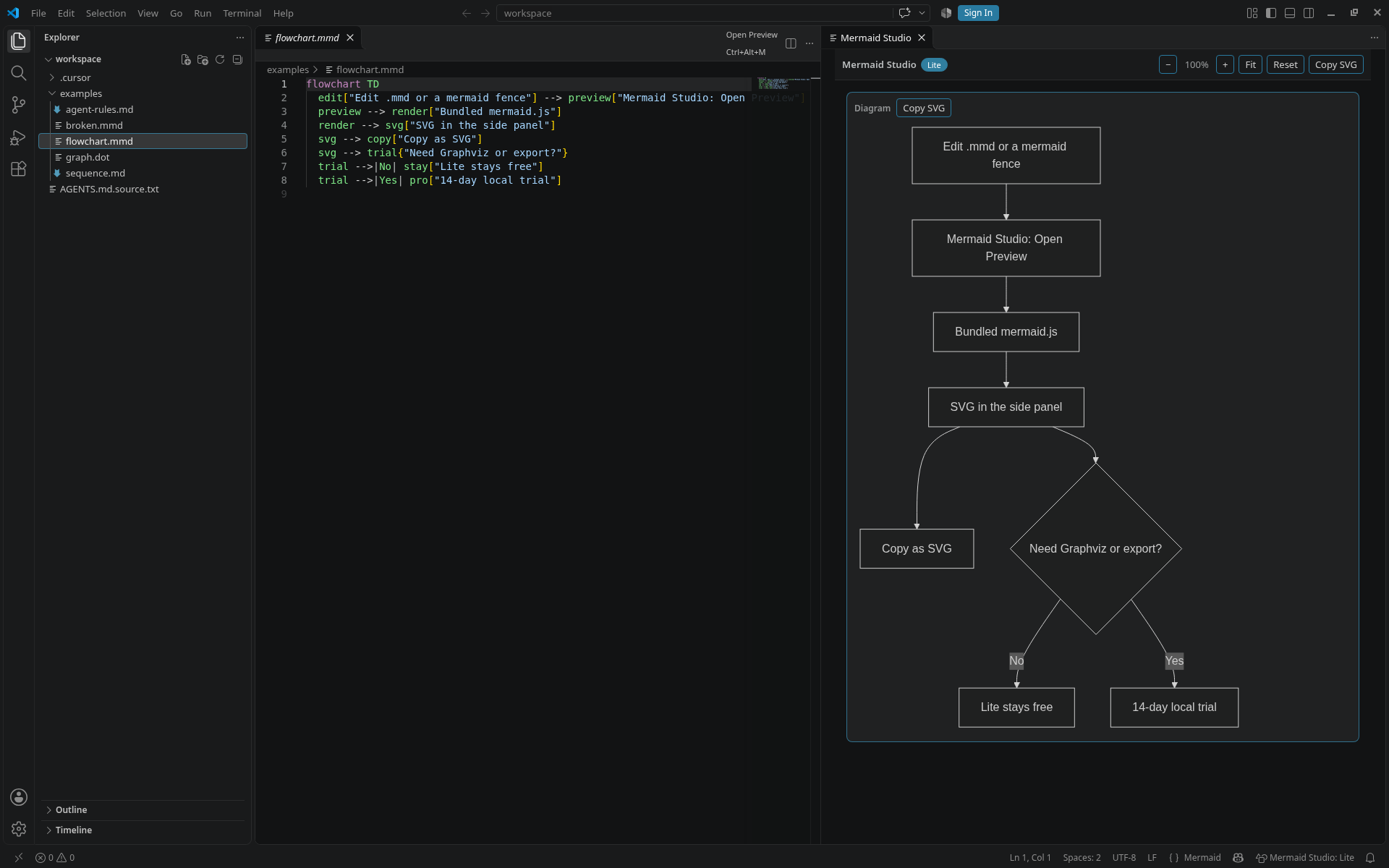
A side-by-side Mermaid preview for .mmd files and Markdown fences in VS Code. The renderer is inside the extension, so it works without an account and without a network connection.
Lite (free)
- Live preview for
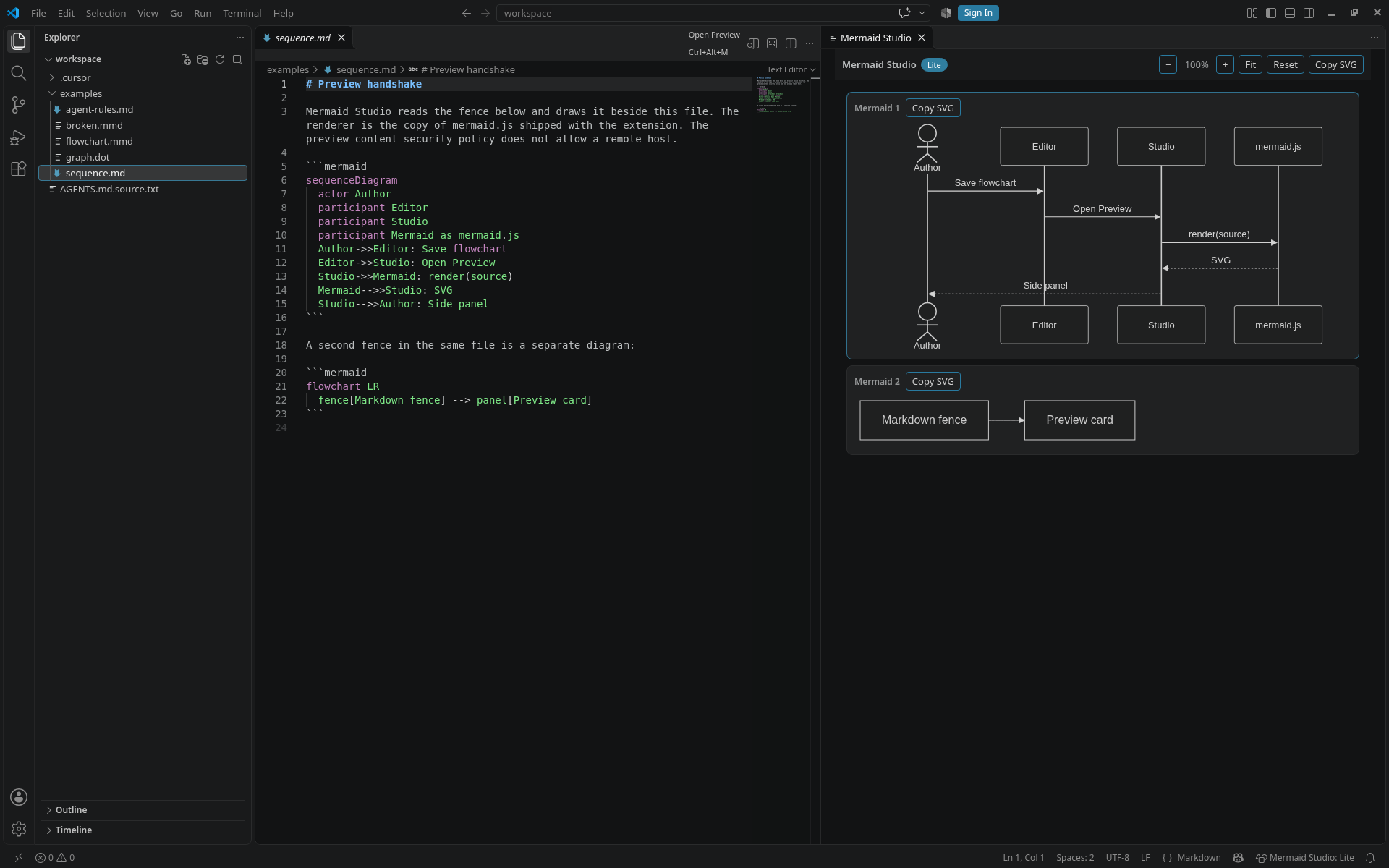
.mmd,.mermaidand```mermaidfences in Markdown. - Open with Mermaid Studio: Open Preview (Ctrl+Alt+M, or Cmd+Alt+M on macOS).
- Syntax errors are shown in the editor and in the preview.
- Zoom and copy SVG. Light or dark theme follows your editor. Lite does not expire.
Pro
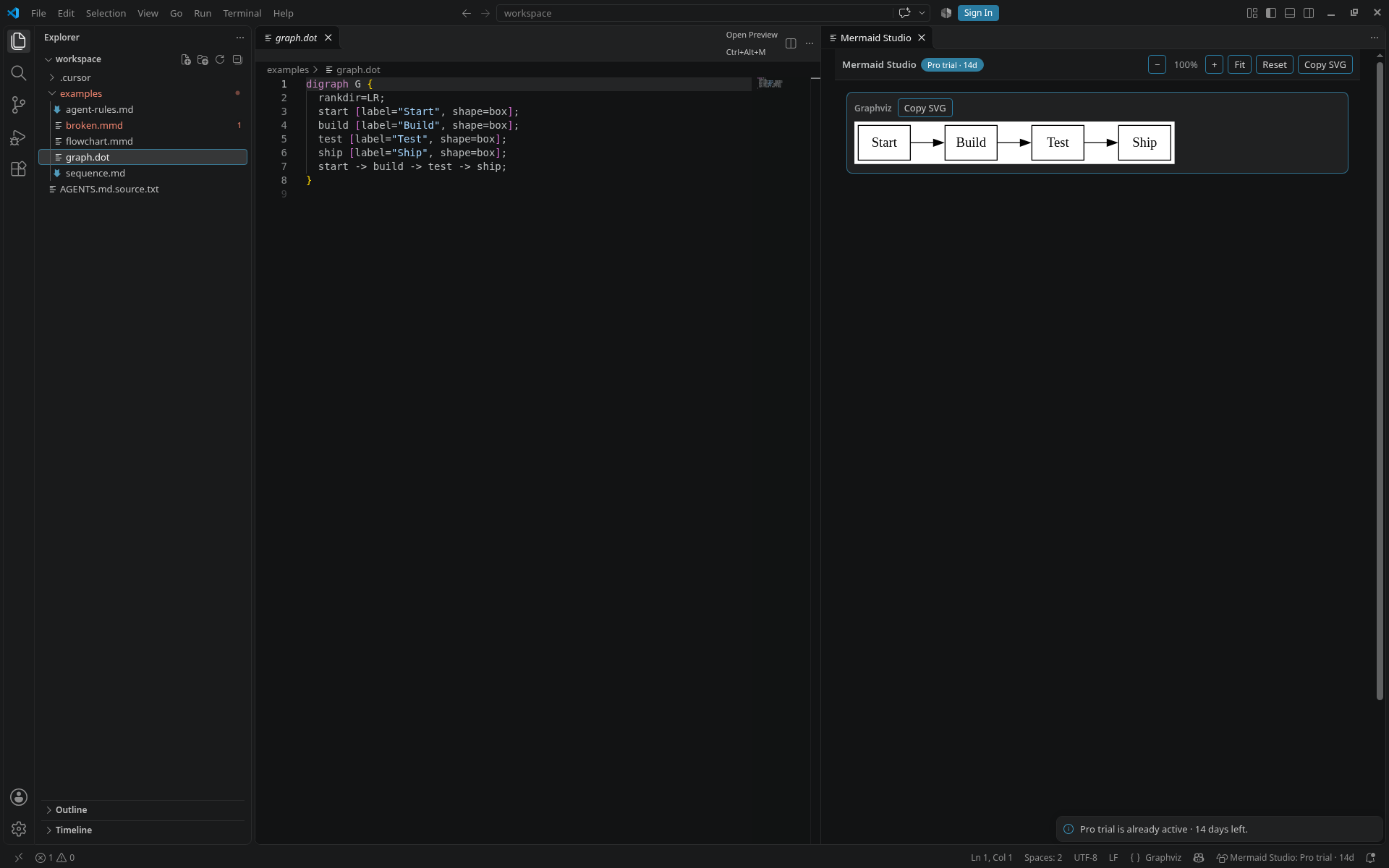
- Graphviz preview for
.dotand.gvfiles anddot/graphvizfences. - Export SVG or PNG (1x, 2x or 3x; transparent, white or editor background), and batch export a folder.
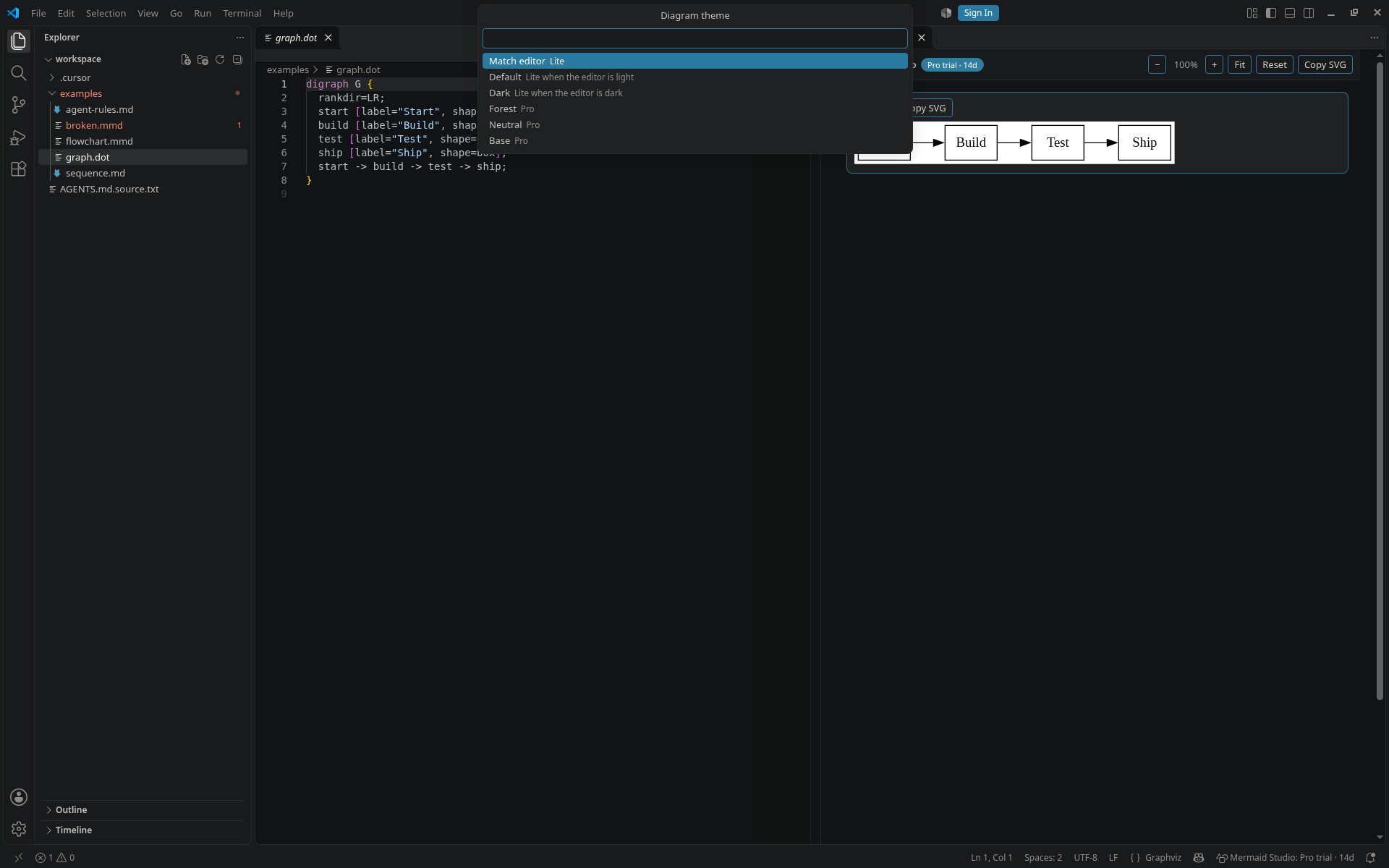
- Named themes, hand-drawn look, ELK layout and your own theme variables.
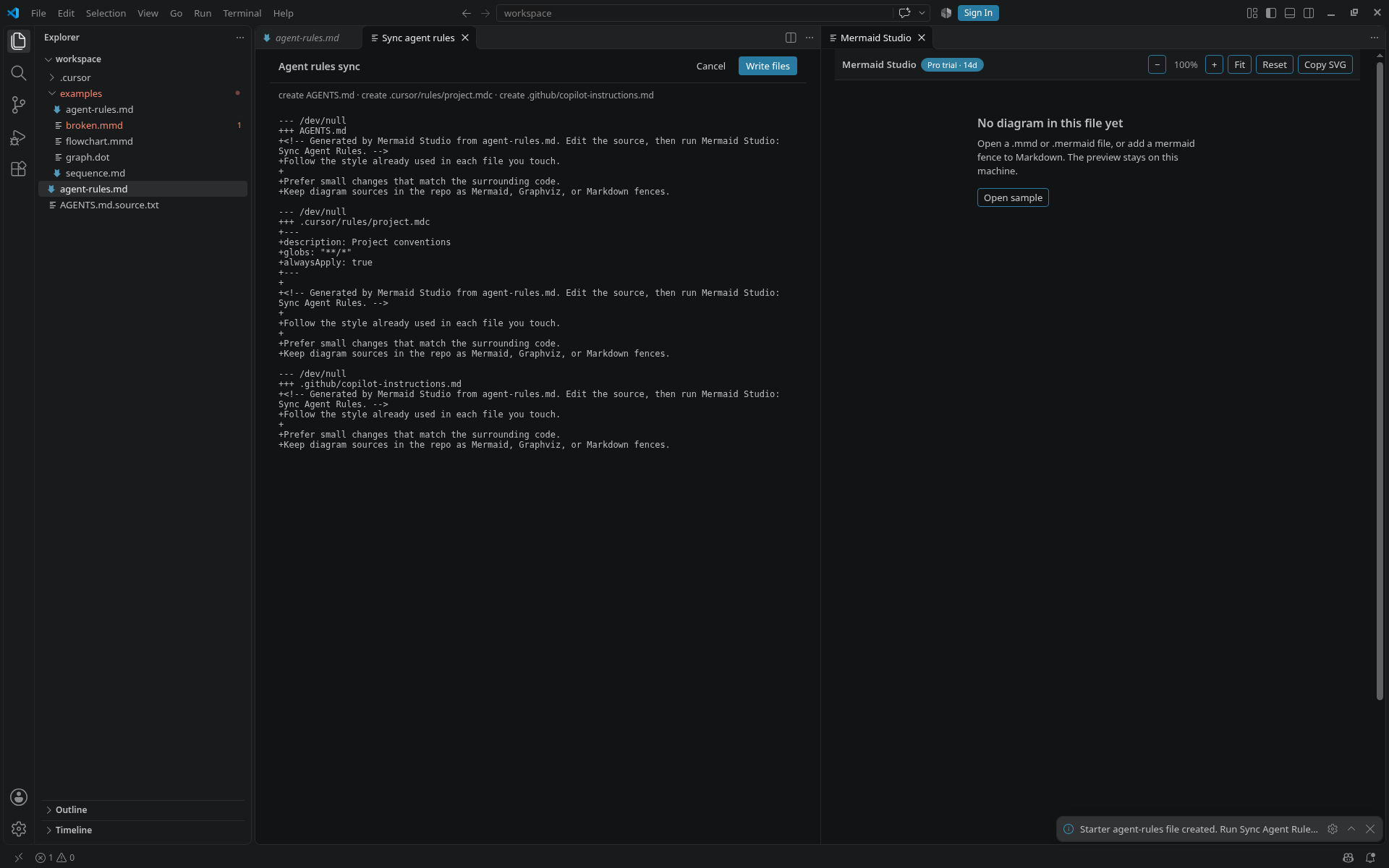
- Sync agent rules: preview a diff, then write
AGENTS.md,.cursor/rulesand.github/copilot-instructions.mdfrom one source file.
Start a 14-day Pro trial with Mermaid Studio: Start Pro Trial. When the trial ends, Lite keeps working. Pro keys are not on sale.
Good to know
- D2 and Excalidraw are not included in this version.
- No telemetry. The preview does not load scripts from a CDN or an online editor.