 Digi
Browser extension · Not yet listed, no date promised
Feedhush: Site Blocker and Feed Hider
Block distracting sites on a schedule, set daily limits, run focus sessions and hide YouTube, Reddit and other feeds. Feedhush is free. Every feature is included. No account, no key and no trial.
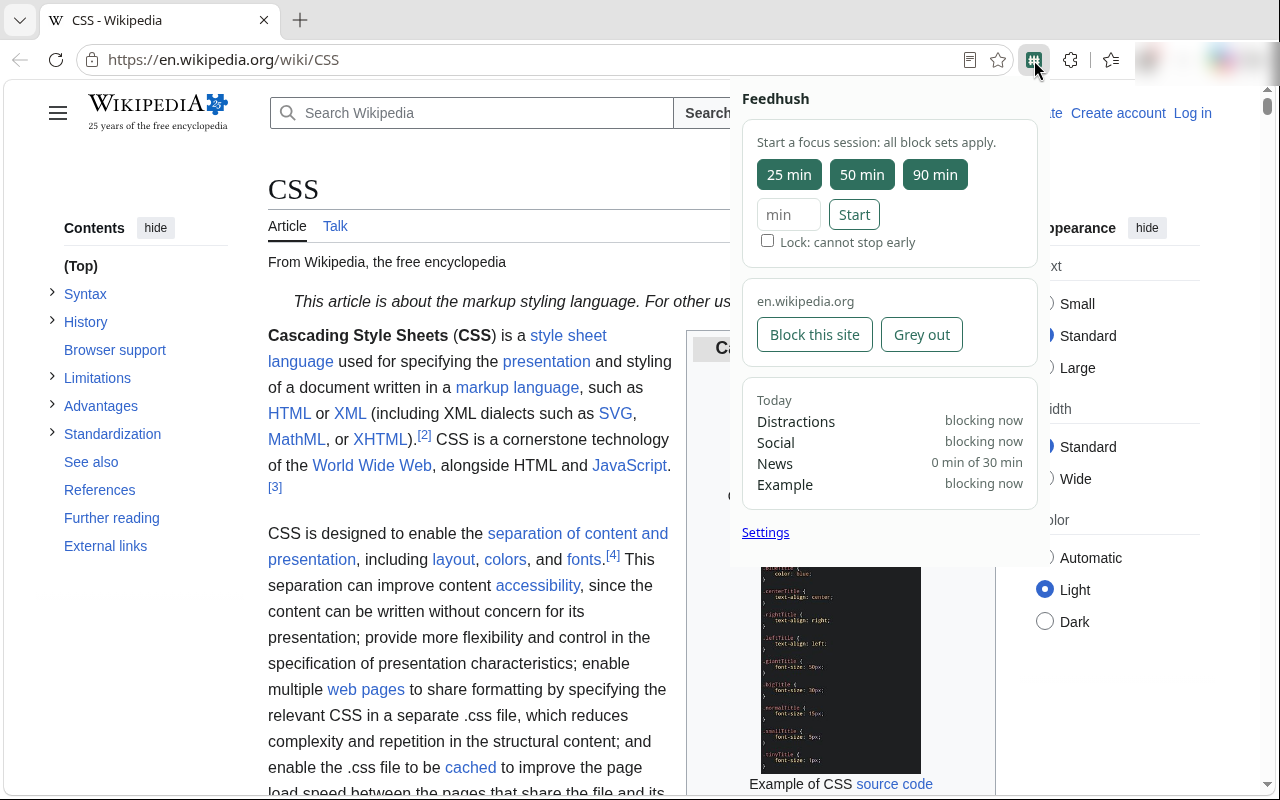
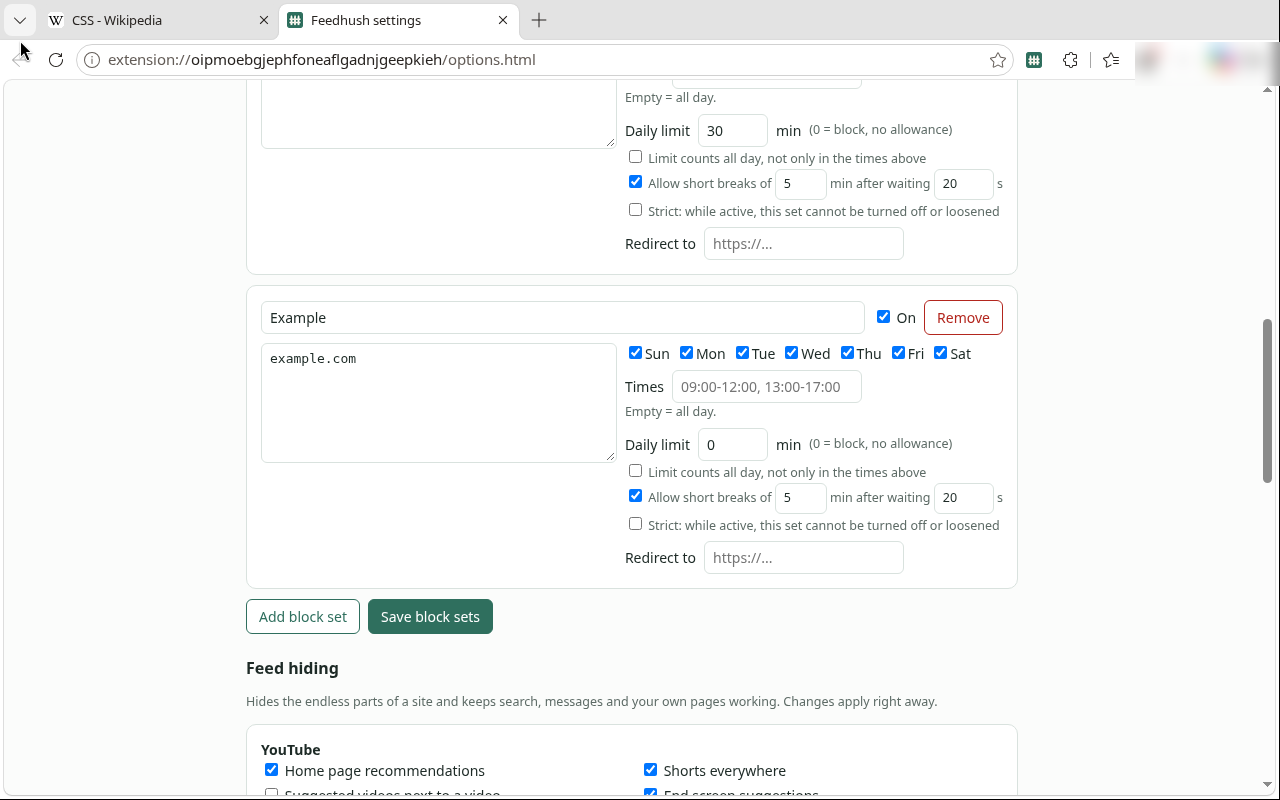
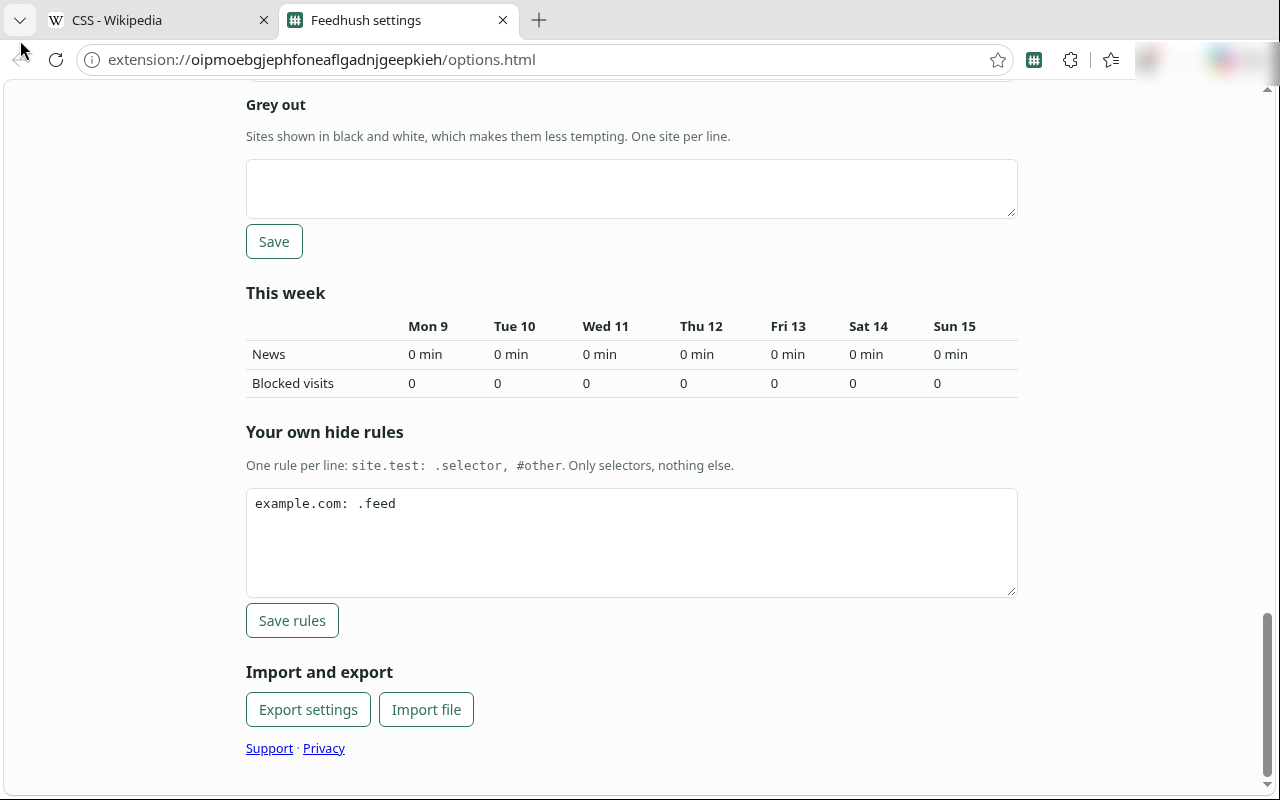
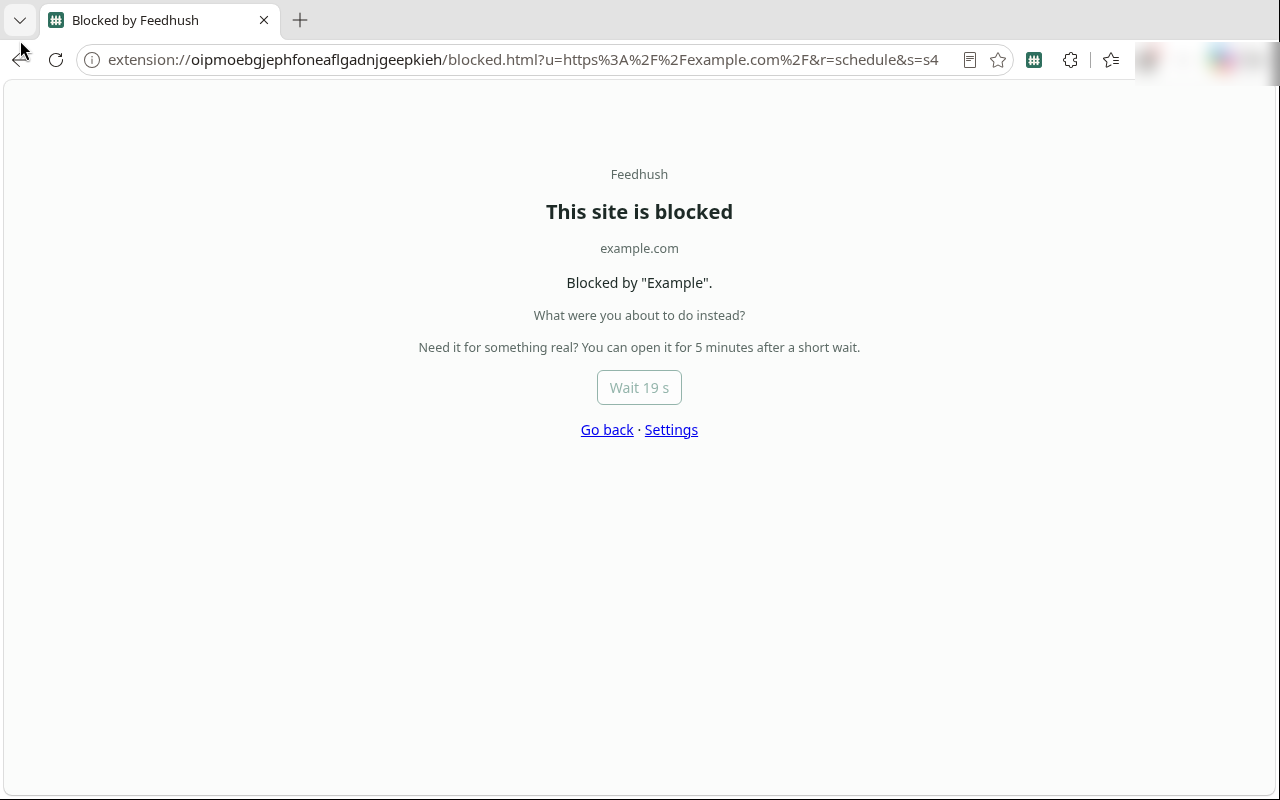
Focus on your terms
- Block sets: sites, days, times, daily limits, short breaks and a strict lock
- Pattern rules, including regular expressions, and always-allowed exceptions
- Redirect a blocked visit to a page of your choice instead of the block page
- Focus sessions, including a lock so a session cannot be stopped early
- Feed hiding on YouTube, Reddit and other sites, plus your own hide rules for any site
- Grey out chosen sites
- Import and export your settings
Availability
Feedhush is free. Chrome Web Store, Edge Add-ons and Firefox Add-ons (AMO): not yet listed, no date promised. There is no public store install link on this page.
If you already bought a Browser Pro key, you keep that purchase. Feedhush 1.1.0 does not ask for a key.
Privacy and limits
Private by design: no account, no cloud, no tracking, no network requests. Settings, block sets, hide rules and usage counts stay in your browser's local extension storage on this computer. Site access is used only on your computer to apply your rules.
Feed hiding works on supported sites and may need updates when those sites change. Feedhush reads page addresses to decide what to block; it does not read page content, forms or messages.